


Few App Store rejections frustrate developers more than Guideline 4.3, often labeled "spam." The app may work perfectly, yet Apple says it clutters the store. The rule is less about bugs and more about whether your app deserves to exist next to what is already there.
This article explains what 4.3 covers, what triggers it, and what a realistic fix looks like. Apple has not published a spam-specific explainer, so some of what follows comes from the guideline text and from rejection notices developers have quoted publicly.
What Guideline 4.3 Actually Says
The guideline has two parts, and rejection messages usually cite one of them.
4.3(a): Multiple apps for the same thing
Do not create multiple Bundle IDs for the same app. A Bundle ID is the unique identifier that distinguishes one app from another on Apple platforms. Apple's own example is separate map apps for individual cities. It says this creates unnecessary apps and makes it harder for users to find what they want.
Apple's suggestion is one app with location-specific variations, potentially offered through in-app purchase. The same logic applies to apps that differ only by language or content. A quoted rejection notice from a 2020 forum thread says that an app with the same feature set as other submissions, varying only by content or language, is spam. It recommends putting the varying content into one app and using in-app purchase if you sell it.
4.3(b): Apps indistinguishable from existing ones
Apple also rejects apps that are indistinguishable from apps already widely available. It describes opportunistic variants of existing categories or popular apps as harmful to discovery, app quality, users, and developers.
Apple names established categories where this is most likely: dating, flashlight, sound-effects, wallpaper, simple-timer, and fortune-telling apps. New submissions there must offer a meaningfully different or improved experience. Apple also says drinking-game, Kama Sutra, fart, and burp apps can be low-effort and add no value. Repeated submissions of that kind may lead to removal from the Apple Developer Program.
What Triggers a Spam Rejection in Practice
The most common rejection text says an app shares a similar binary, metadata, and/or concept with apps submitted by other developers. The binary is the compiled app itself, and metadata is the listing: name, description, screenshots, and keywords. Apple compares all of these, not just the code.
The notice lists possible causes:
- Using the same source code or assets as other apps.
- Repackaging an app template into multiple similar apps.
- Buying a third-party template with problematic code.
- Submitting similar apps across multiple accounts.
This explains why a developer with a single, honestly written app can still be rejected. If you bought a popular template, many other people may have submitted nearly the same thing. In one quoted case from November 2023, the app was flagged for resembling apps from a terminated developer account.
A few concrete scenarios:
- A horoscope app built from a common template. A 2020 notice said Apple already had enough astrology, palm reading, and fortune-telling apps and treated more of them as spam.
- Fifty city-guide apps from one developer, each with its own Bundle ID, instead of one app with city packs.
- A flashlight app with a new icon but the same functionality as thousands of others.
Recent search excerpts describe 4.3 as covering many similar apps from one developer, particularly when templates or generation services are involved. Be careful with the claim that 4.3 is aimed at AI-built apps, though. One analysis notes that this is an inference and not something Apple's documentation supports.
Recent Changes and How to Respond
A June 2026 report said Apple added language to 4.3 about low-effort apps. The existing rule already barred overly simple apps in saturated categories. The new wording says such apps may be removed if they are not updated, improved, or attracting customers, and it asks for a unique, high-quality experience. So passing review once does not guarantee safety. An abandoned app in a crowded category can be removed later.
If you receive a 4.3 rejection, these steps address what Apple says it is looking for:
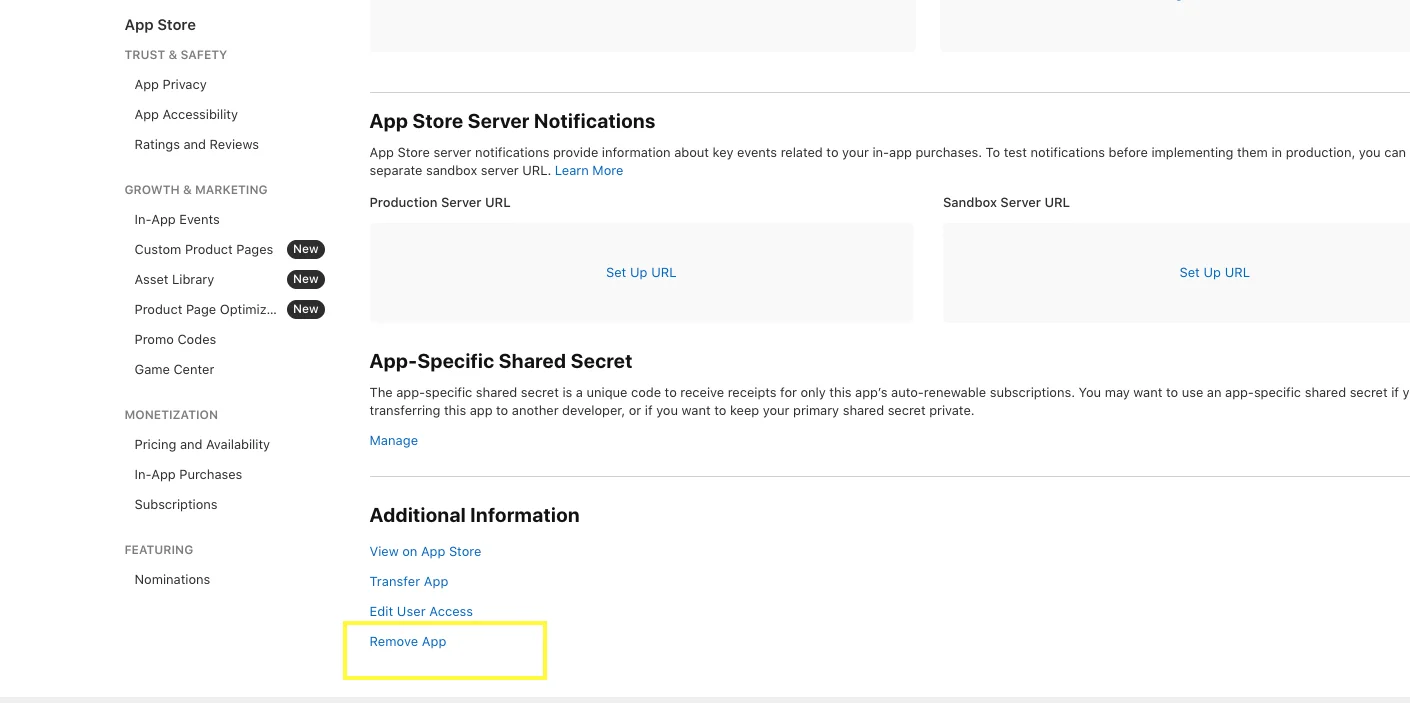
- Work out which part applies. For 4.3(a), consolidate duplicates into one app. For 4.3(b), compare your app honestly with the leaders in its category.
- Add distinct functionality or content, not cosmetic changes. Apple's notices ask for "distinct content and functionality."
- Replace shared template code and assets where you can, and audit any third-party template you bought.
- Do not resubmit the same app under another account. Apple lists this as a cause itself.
- Explain in the review notes or in a reply through App Store Connect what makes the app different, and be specific.
Consolidation is also better for users. One app with in-app purchases for extra regions or content packs is easier to find, update, and maintain than a dozen near-identical listings.
Conclusion
Guideline 4.3 is Apple's way of protecting discovery. It rejects duplicate Bundle IDs, apps that mirror existing ones, and template-built apps that share a binary, metadata, or concept with others. Saturated categories get the closest look.
The remedy is to build something with real differentiation, keep it in one app where the variations are only content or location, and keep improving it after launch. A reskinned template rarely passes, and the newer low-effort language suggests the bar is not dropping.