


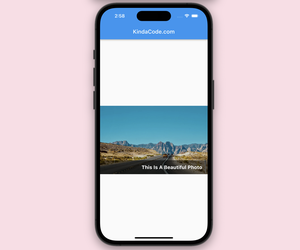



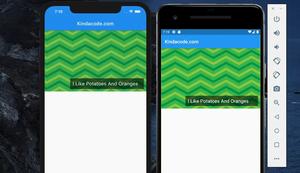

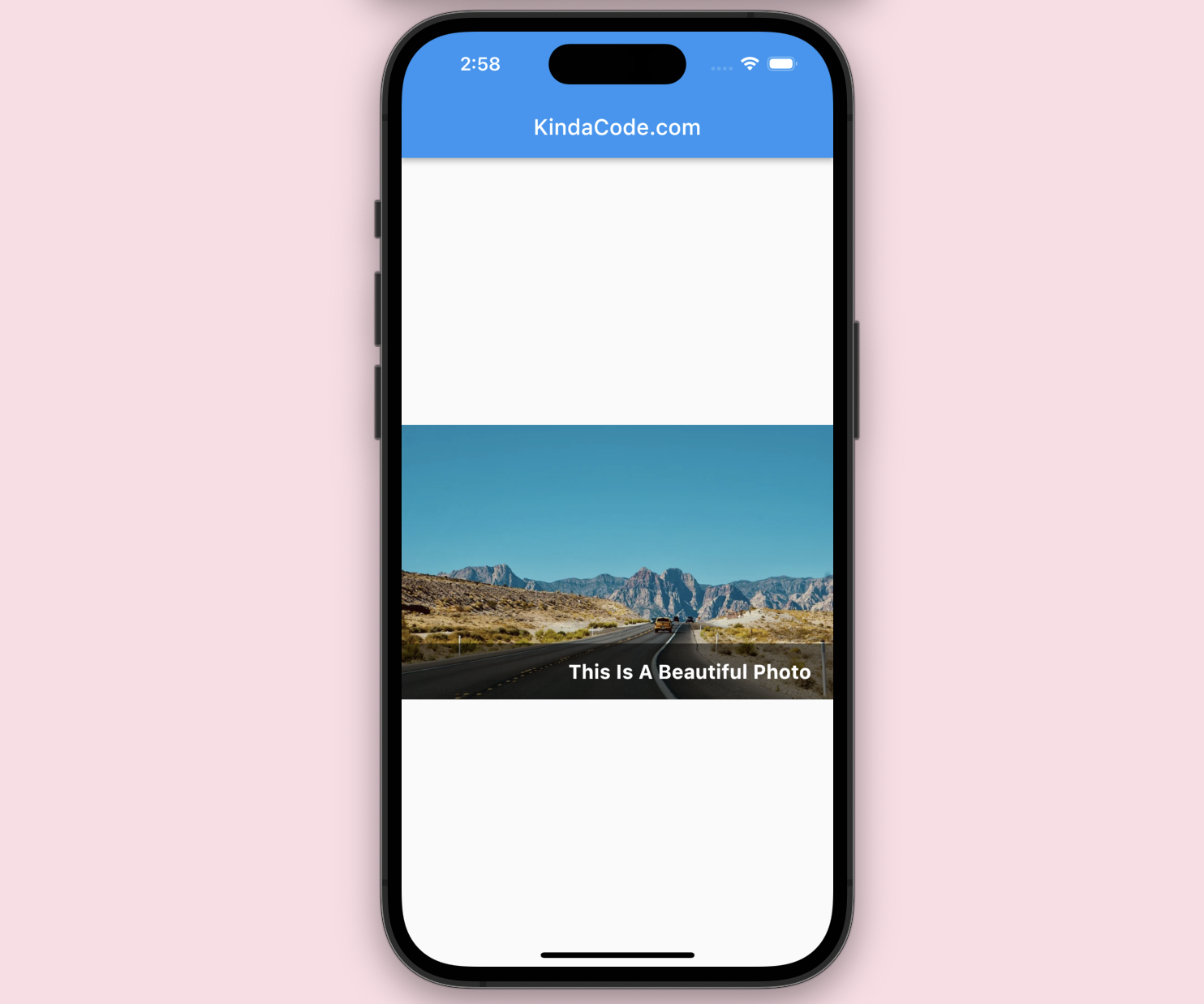
In Flutter, we can use the GridTile widget to display text over an image. This method is easier to implement but less customizable than using the Stack widget.
See also: Flutter: How to place Text over an Image with Stack
Example
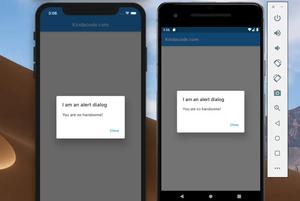
Screenshot:
The code:
Scaffold(
      appBar: AppBar(
        title: const Text('KindaCode.com'),
      ),
      body: Center(
        child: SizedBox(
          width: double.infinity,
          height: 250,
          child: GridTile(
            footer: Container(
              // You can use GridTileBar instead
              width: double.infinity,
              padding: const EdgeInsets.symmetric(horizontal: 20, vertical: 15),
              color: Colors.black54,
              // You can use GridTileBar instead
              child: const Text(
                'This Is A Beautiful Photo',
                style: TextStyle(
                    color: Colors.white,
                    fontSize: 18,
                    fontWeight: FontWeight.bold),
                textAlign: TextAlign.right,
              ),
            ),
            child: Image.network(
                'https://www.kindacode.com/wp-content/uploads/2022/02/the-road.webp',
                width: double.infinity,
                height: 250,
                fit: BoxFit.cover),
          ),
        ),
      ),
);
You can find more exciting examples of the GridTile widget in this article.
Further reading:
- Flutter image loading builder example
- Flutter: Caching Network Images for Big Performance gains
- Flutter: Reading Bytes from a Network Image
- Flutter: TextField and Negative Numbers
- Flutter: Text with Read More / Read Less Buttons
You can also take a tour around our Flutter topic page and Dart topic page to see the latest tutorials and examples.