

The steps below show you how to determine your Android Studio version.
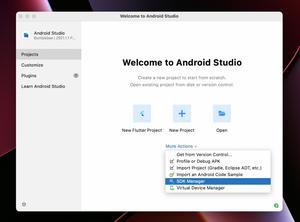
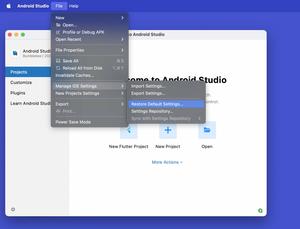
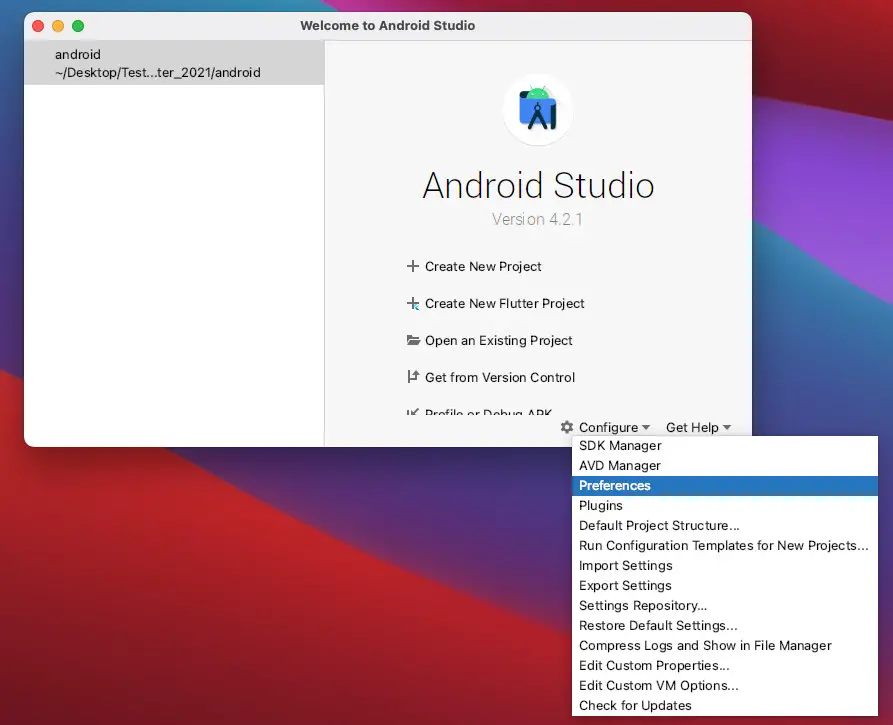
1. Open your Android Studio. In the welcome screen, select “Configure” > “Preferences” as shown in the following screenshot:
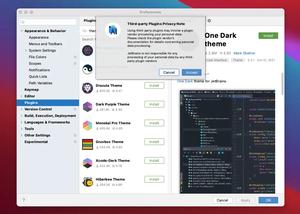
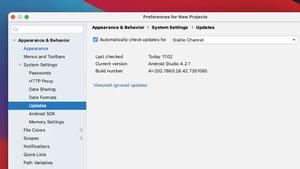
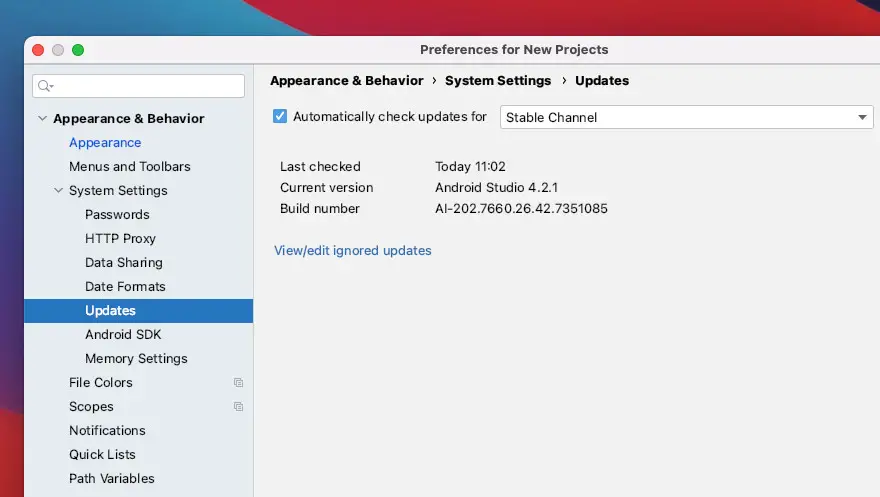
2. Navigate to “Appearance & Behavior” > “System Settings” > “Update” and you will see the information you want in the right-side panel:
Further reading:
- 2 Ways to Check Android SDK Versions
- Flutter: Disabling Android System Back Button
- Android Studio system requirements
- Open Android emulator/ iOS simulator using VS Code
Happy coding.