The example below shows you how to handle the form onSubmit event in React with TypeScript. We will use the new things, including functional components and hooks, and not use old stuff like class-based components. Example......
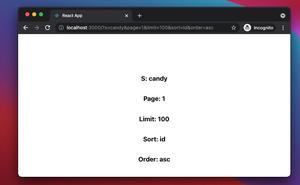
If your React web application uses React Router for navigation and routing, you use the useLocation hook to get the location object that represents the current URL. Once you have the location object, you can retrieve and parse the......
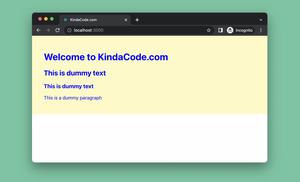
When using inline styles in a React project that is written in TypeScript, you may encounter some annoying problems. For example, the code below: // App.tsx // Kindacode.com import React from "react"; const App:......
create-react-app is a popular tool that can help you establish a new React project with no need for manual build configuration. You can see the latest releases and the breaking changes of the library here. This article is about a......
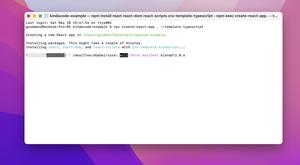
If you’re using create-react-app then you can initialize a new project in the current directory with one of the following commands: npx create-react-app . Or: npx create-react-app . --template typescript The point here......
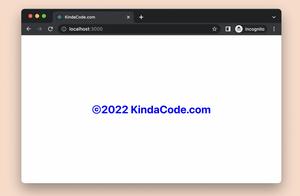
In React, you can render the current year like this: <div>{new Date().getFullYear()}</div> The complete example below presents a copyright symbol along with the current year (you can see this everywhere on the......
This example below shows you how to disable a certain button after it is clicked once in React. This can be useful in cases where you want to prevent the user from repeatedly clicking it multiple times, such as submitting a form,......
In React, you can find elements with a certain className using the document.getElementsByClassName() method: // find the collection of elements with the class name 'my-text' const collection =......
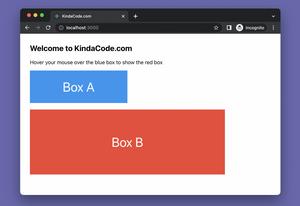
Let’s say we’re developing a React app, and we want to programmatically show a red box named box B when the mouse cursor is hovering over another box called box A. To achieve the goal, we can make use of the onMouseOver and......
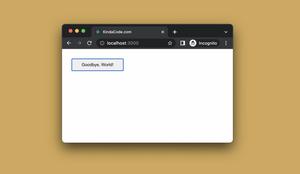
The example below shows you how to change the text of a button after it gets clicked in React. We’ll use the useState hook to get the job done. App Preview The Code // KindaCode.com // src/App.js import { useState } from......
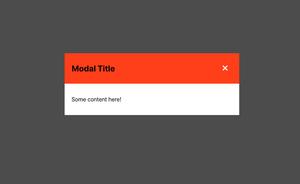
The example below shows you how to create a modal dialog from scratch in ReactJS without any third-party libraries. Preview The sample app we’re going to build contains has a green button. When this button gets clicked, our......
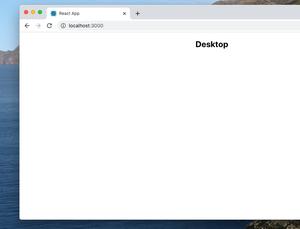
An easy solution to determine whether your React app is rendering on a mobile device or a computer is to use a library called react-device-detect. A Complete Example Installation: npm install react-device-detect --save The......