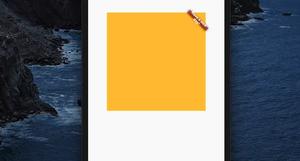
In Flutter, the Banner widget is used to display a little slanted message at one corner of another widget. This is useful in many situations, such as when you want to assign a discount label to a product, highlight a new feature in your......
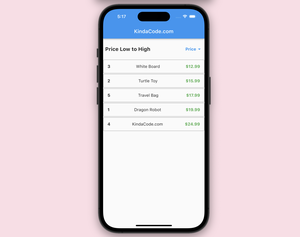
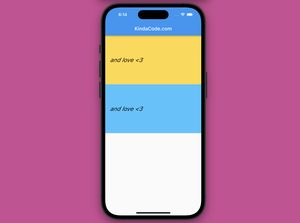
Introduction When developing Flutter apps, in some cases, we may want to provide the option for the user to sort the items in the ListView based on specific criteria. This sortable ListView provides a user-friendly way to view and......
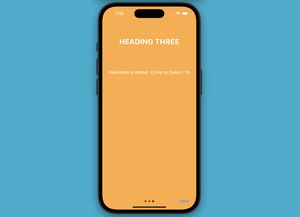
The onboarding process in a mobile app is a series of introductory screens (or an intro slider) that aim to educate and familiarize new users with the app’s functionality and interface. This practical article will show you 2......
This article is about the Algin widget in Flutter. We’ll have a glance at the fundamentals of the widget and then examine a couple of examples of implementing it in practice. Without any further bothersome (like talking about the......
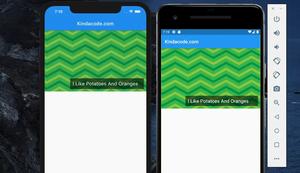
In Flutter, you can place text over an image by using the Stack widget. Example Screenshot The code (without boilerplate) Stack( children: [ Image.network( ......
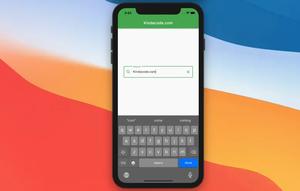
This article shows you how to add a clear button to a TextField in a Flutter application so that a user can quickly remove the text he or she has entered. What is the point? We’ll create a TextEditiongController......
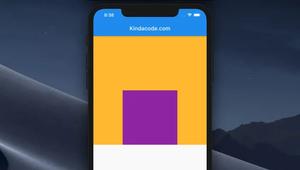
To size a Container that resides inside another Container, you need to set the alignment property of the parent Container to an alignment value. Otherwise, the child Container won’t care about the width and height you set for it and......
A few examples of using the InkWell widget in Flutter to create a rectangular area that responds to touch like a button. Example 1: Simple Usage Demo (the ripple effect you see in the GIF below won’t be as good as in real......
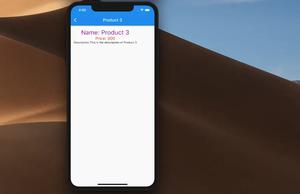
To pass data from one screen (route, page) to another one in Flutter, you can do like so: Navigator.of(context) .pushNamed('your-route-name', arguments: [your-data]); To retrieve the passing data, just use the......
In Flutter, a screen (page, route) is a normal widget but it’s loaded such that it fills the entire (or the majority) of the device screen. To navigate from one screen to another, we can use Navigator.push(). To go back, we use......
The typewriter effect is a kind of animation where the text appears to be typed out letter by letter. This is often used in conversations in games, movies, videos, or in apps where you want the user’s attention to focus on some......
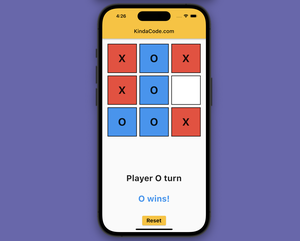
This practical article shows you how to create a simple tic-tac-toe game from scratch in Flutter. Information: Tic Tac Toe is a simple two-player game played on a 3×3 board (maybe bigger). Players take turns marking a square......