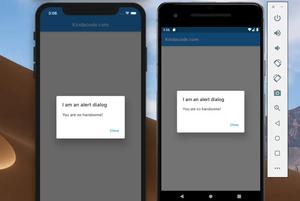
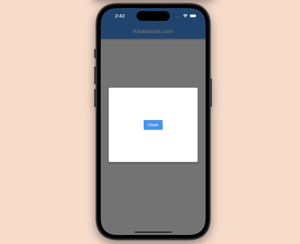
AlertDialog is a built-in widget in Flutter that has an optional title, optional content, and an optional list of actions. In general, the AlertDialog widget is used with the showDialog() function (a built-in function of Flutter)......
To use same-name classes, widgets, or functions imported from different files in a Flutter project without changing their names, you can use the as keyword with a prefix (the name of the prefix is up to you). Example Let’s......
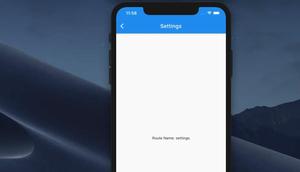
Overview If you register the routes in your Flutter app like this: return MaterialApp( home: HomePage(), routes: { 'page-a': (BuildContext ctx) => PageA(), 'page-b': (BuildContext ctx) => PageB(), ......
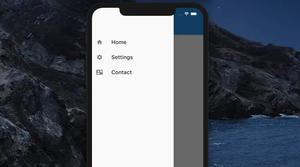
This article shows you how to implement a simple Drawer navigation menu in Flutter. Example Preview We’ll build a small Flutter app that contains 3 screens (HomeScreen, SettingsScreen, and ContactScreen) and a Drawer......
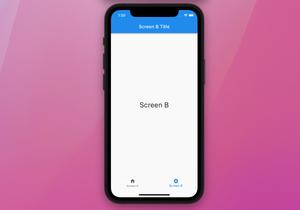
In general, a bottom navigation bar displays two to five tabs at the bottom of a screen of a mobile or web app. Each tab contains an icon and an optional text label. In Flutter, you can easily implement a bottom tab bar and its......
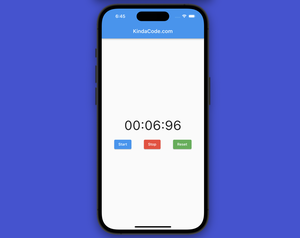
A stopwatch in a mobile app is a tool that measures elapsed time for a specific event or task. It includes start, stop (can be replaced with pause), and reset buttons and displays the time in a numerical format (e.g., minutes, seconds,......
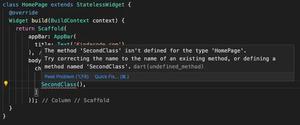
In Dart and Flutter, if you want to import only one class from a file that contains multiple classes, just use the show keyword. The example below will help you understand this better. Example Let’s say our Flutter project has......
In Flutter, you can access variables from the stateful widget class with the widget keyword like this: class ChildPage extends StatefulWidget { final String someText; const ChildPage({Key? key, required this.someText}) : super(key:......
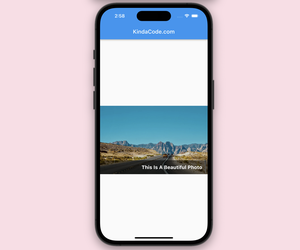
In Flutter, we can use the GridTile widget to display text over an image. This method is easier to implement but less customizable than using the Stack widget. See also: Flutter: How to place Text over an Image with......
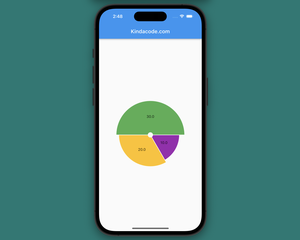
Charts are a visual tool to represent data, making it easier for users to grasp information than dry numbers. There’re several plugins that can help us easily make circle charts (pie charts) in Flutter. In this tutorial, we’ll......
Summary To show a dialog in Flutter, you can use the built-in showDialog() function and the Dialog widget like this: void _show(BuildContext ctx) { showDialog( context: ctx, builder: (context) { return......
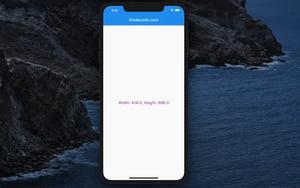
Knowing the screen width and height can be useful in several scenarios while developing mobile apps. Some of the common use cases include: Responsive Design: By knowing the screen size, developers can create a responsive design that......