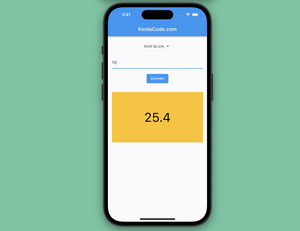
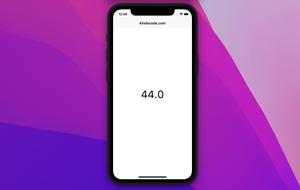
This code-focused article shows you how to create a simple length converter app with Flutter. You will learn how to implement the conversion features, use dropdown selection, and display results. The goal of this tutorial is to......
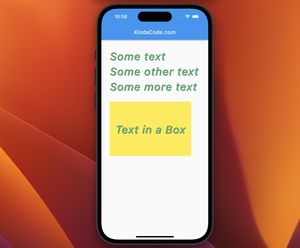
This article is about styling text in Flutter. We’ll take a quick glance at the fundamentals and then examine a couple of practical examples. Without any further ado, let’s get started. Overview The TextStyle class is......
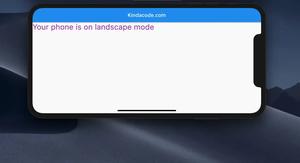
Sometimes, you may want to hide the AppBar of your Flutter app when the device orientation is landscape (but still show the AppBar in portrait mode) in order to have more free space. To archive so, you can do as shown below: Scaffold( ......
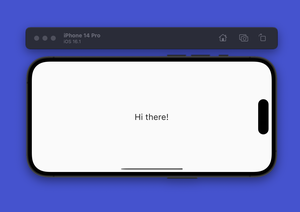
In Flutter, you can show different content based on the device’s orientation. To determine the device orientation, just use: MediaQuery.of(context).orientation To understand the job more thoroughly, see the example......
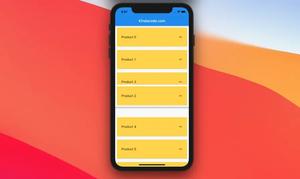
ReorderableListView is a built-in widget in Flutter that can help us create a list view whose items can be repositioned and reordered by dragging and dropping. This article will cover the most important things about the......
This article covers the basics of Cupertino (iOS-style) widgets in Flutter. Overview There are some important things you should be aware of before implementing Cupertino widgets in your project: Cupertino widgets respect......
This short article walks you through a few examples of creating circular images in Flutter. Without any further ado, let’s see some code. Note: In the following examples, we will use some free images from Pixabay under the......
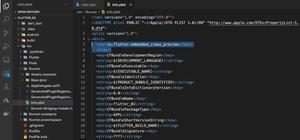
Problem When developing a Flutter app for iOS and using some packages to embed Youtube videos, Google Maps, or something similar to these ones, you may see the following error message: Trying to embed a platform view but the......
Problem When running a Flutter app, you may see this error message: Could not resolve the package 'characters' in 'package:characters/characters.dart' This often occurs after upgrading Flutter to a newer version.......
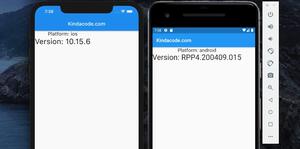
To get the device operating system version that your Flutter app is running on, just import dart:io and use Platform.operatingSystemVersion. No third-party package or installation is required. A Quick Example import 'dart:io'; void......
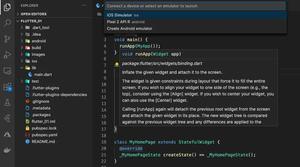
If you’re working with Flutter or React Native, you can launch an iOS Simulator or an Android Emulator using VS Code (Visual Studio Code). 1. Go to View > Command Palette… or hit Command + Shift + P (macOS) or Ctrl +......
This article is about the heights of the AppBar (material app bar) and CupertinoNavigationBar (iOS-style app bar) in Flutter. Height of a material AppBar The height of an AppBar is 56 regardless of mobile phones, tablets, or on the......