If your goal with Flutter is just to build apps for Android and iOS, then you can disable web and desktop-related things. This makes your projects a little cleaner and lighter. Solution Web In order to disable web in your......
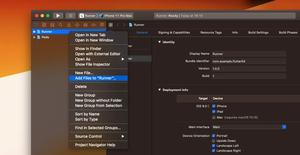
If you’re building an iOS app with Flutter and Firebase then you’ll have to add a GoogleServices-Info.plist file to your project. If you just copy and paste this file into the Runner folder then there will be an error when......
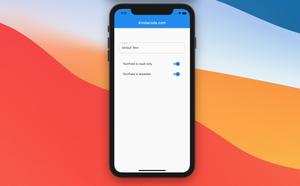
This article shows you how to make a TextFiled read-only or disabled in Flutter. Overview If a TextField is disabled, it can not be focused and ignores taps. We can control whether a TextField is disabled or enabled by setting......
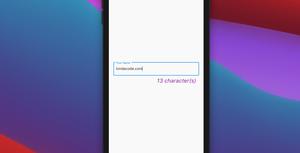
This article shows you how to add a custom character counter to a TextField (you can also use TextFormField as well) in Flutter. Overview Here’s the main points: 1. We will display the number of characters entered......
A simple example of using a loading indicator in Flutter. We’ll make a tiny Flutter app that contains a button. When the user clicks that button, a loading indicator will show up for 5 seconds and then disappear. The......
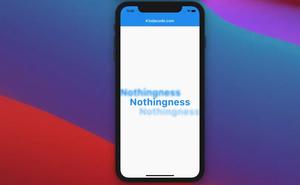
Shadow effects for text are increasingly used in web and mobile applications, aiming to enhance the user experience. In this article, you’ll learn how to add shadow effects to Text widgets in Flutter through some instructions and a......
This article walks you through 4 techniques to vertically center a child widget inside a Container in Flutter. Using the alignment property Set the alignment property to Alignment.center, Alignment.centerRight, or......
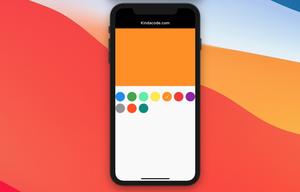
This article will guide you to making a color picker from scratch in Flutter without using any third-party plugins. Introduction Color picker is a thing that frequently appears in many kinds of apps like notes, todos, social......
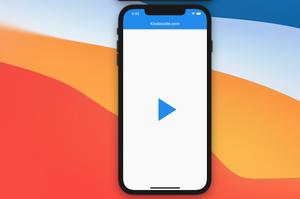
There are cases where you will want an icon that can change its own appearance like a play/pause button for a video or audio, a button to close/open a menu, etc. Luckily, you can achieve your goal with a few lines of code by using......
There may be situations where you want to implement Copy To Clipboard feature which allows users to copy some text (URLs, phone numbers, profile IDs…) from your app to another app (web browsers, chat apps…). The example......
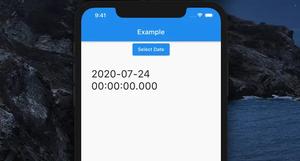
Flutter has a built-in function named showDatePicker that can help us easily implement a date picker. Example Preview: If you want to format the selected date to make it look better, see this article: 4 Ways to Format......
To store some simple data persistently, you can use the shared_preferences plugin. Data has persisted to disk asynchronously so you need to use Future, async, await. If you aren’t familiar with them, check this......