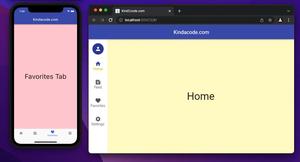
This article shows you how to create an adaptive layout in Flutter by using both NavigationRail and BottomNavigationBar. We’ll have a glance at the concept and then walk through a complete example of applying that concept in......
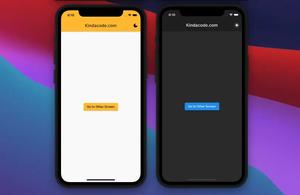
This article walks you through a couple of different ways to switch between dark mode and light mode in a Flutter application. Using Self-Written Code This approach uses ValueListenableBuilder and ValueNotifier, the two built-in......
If your app has many screens with different app bars, using themes will bring many benefits such as: reducing the amount of code to write, and increasing the consistency of the appearance of the app. In Flutter, we can implement a......
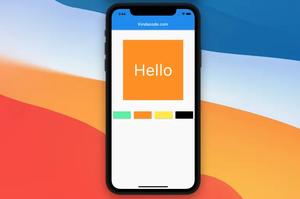
This article shows you a couple of different ways to automatically change text color based on the brightness of background color. What Is The Point? Flutter provides a few methods that can help us get the job done. 1. The......
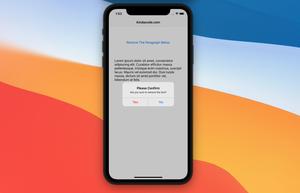
A confirm dialog is a dialog box that asks users to approve the requested operation. It usually appears with button pairs like Yes/No, OK/Cancel, Agree/Disagree. Confirm dialogs help prevent accidental actions such as deleting content,......
In many cases, your application allows users to set and select some icons according to their wishes (for example, a task manager, a note app, or an event app). This short article shows you how to store icons in a database (or file,......
There are situations you may need to store color in a database, file, cloud, or shared preferences. There is a small challenge is that color is not a string or a number so we cannot directly save it. This article will show you a few......
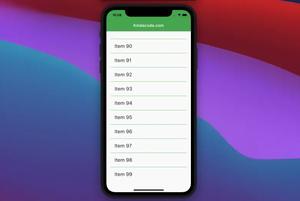
In Flutter, scrollable widgets (ListView, GridView, etc) have no scrollbar by default. A scrollbar lets a user know how long a view is. It indicates how far the user has scrolled from the top boundary and lets him or her quickly jump to a......
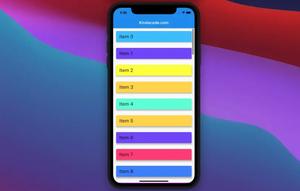
The following examples show you a couple of different ways to insert separators between items in a list view in Flutter. Example 1: Using ListView.separated In Flutter, you can use ListView.separated to easily create a list view......
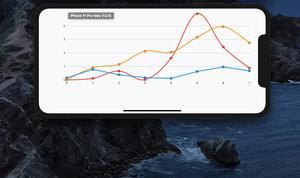
There’re several plugins that can make our lives much easier when working with line charts in Flutter. In this tutorial, we’ll use fl_chart, one of the most-used chart plugins these days. Installation The new way to......
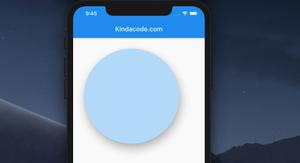
The 2 following examples show you how to create rounded-corner cards and circle cards in Flutter by using the Card widget. Rounded Card Screenshot: The code: Scaffold( appBar: AppBar( title: const......
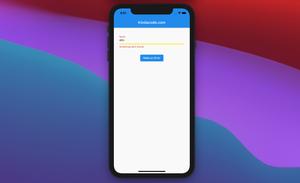
In Flutter, you can customize the color, thickness, and style (actually, there are only 2 stypes for underline: solid and none) of a TextFIeld’s underline by using the parameters from the InputDecoration class listed......