In this article, you will see an example of how to create a fullscreen gradient background for a Flutter application. Summary In order to set a gradient background for the entire screen, just follow these steps: Wrap the......
Many Flutter applications have carousels to display some featured images on home screens or detail screens. In general, a carousel allows you to infinitely loop through its items by swiping the screen. When you reach the last item, the......
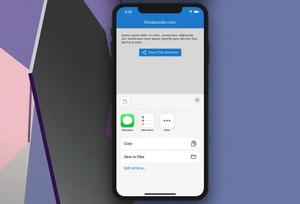
This article shows you how to implement a share button to share content from your Flutter app via the platform’s share dialog by using a plugin called share_plus. The share dialog may contain SMS, Messenger, Facebook, Email,......
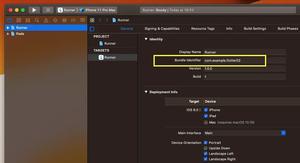
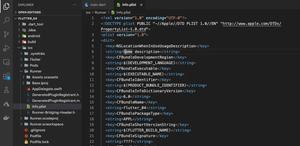
This short article shows you a couple of different ways to find the iOS bundle identifier of a Flutter project. Using Xcode 1. Open the ios folder of your Flutter project by using XCode. 2. Click on Runner in the left......
Problem When working with Flutter and Firebase, you may fall into the following error: No Firebase App '[DEFAULT]' has been created - call Firebase.initializeApp() Don’t panic. We will tackle this......
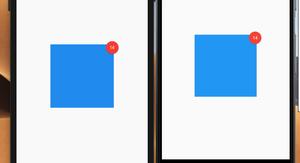
This article shows you a couple of different ways to display a badge on the top right (or any position you like) of a widget in Flutter. The first way is to write your own code, and the second one is to use a third-party plugin.......
This is a short guide to getting the user’s current location in Flutter by using a plugin called location. Installation 1. Add location and its latest version to the dependencies section in your pubspec.yaml file by......
To upgrade Flutter SDK, run the following command: flutter upgrade If the preceding command didn’t work for you, just add the –force flag, like this: flutter upgrade --force To update all the dependencies listed......
The AndroidManifest.xml file describes essential information about your app to the Android build tools, the Android operating system, and Google Play. The AndroidManifest.xml file of a Flutter project locates......
If you’ve worked with React or React Native, you should be familiar with hooks like useState, useEffect, etc. This article shows you how to use hooks in Flutter. With hooks, you can extract stateful logic from a widget so it......
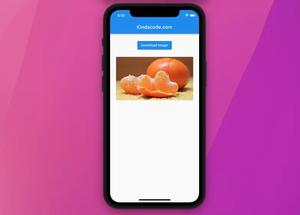
This article shows you how to save network images to the device’s storage when using a Flutter application. To send HTTP requests and work with the device’s filesystem better, we need 3 plugins: path_provider: Used......
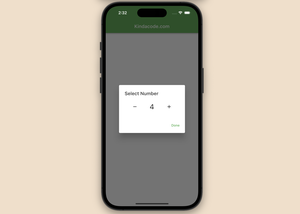
In web and mobile applications, a number stepper input is a user interface control that allows users to increase or decrease a numerical value using plus (+) and minus (-) buttons. The current value is displayed between the buttons. In......