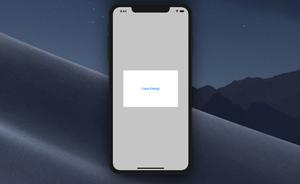
This article shows you how to show and hide a Cupertino (iOS-style) dialog in Flutter. TL;DR The built-in showCupertinoDialog method of the cupertino library helps us easily implement a CupertinoDialog in a Flutter......
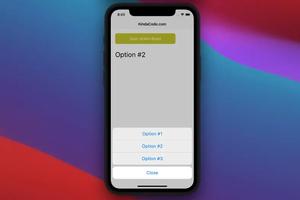
This article is about the CupertinoActionSheet widget in Flutter. Overview The CupertinoActionSheet widget is used to create an iOS-style action sheet. An action sheet presents multiple choices related to an intentional user......
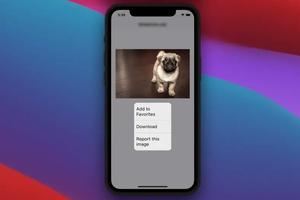
This article walks you through a complete example of implementing a Cupertino context menu (iOS-style context menu) in Flutter. Example App Preview In this example, we’ll create a sample Fluter app that displays an image......
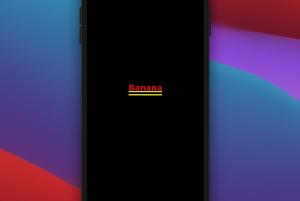
There are several ways to remove yellow lines under a Text widget in Flutter. Adding a Material ancestor You can remove the double yellow lines by placing your Text widget inside a Material widget or a widget that contains......
There may be times when you want to programmatically show or hide a widget in your Flutter applications. One of the best ways to achieve so is to use the Visibility widget. In this article, we are going to take a look at the......
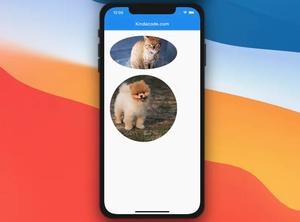
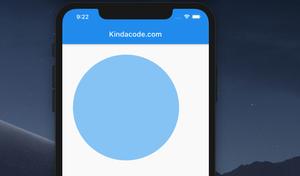
A few examples of using the ClipOval widget in Flutter. Example 1: Simple Usage In this example, ClipOval is used to clip its child widget to a round circle or an oval (depending on the ratio between the width and height of the......
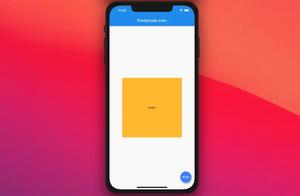
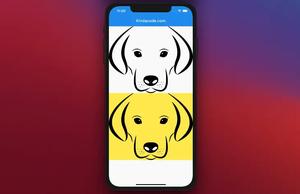
The ColoredBox widget in Flutter is used to paint a background color on a rectangle area and draw its child over that area. The size of a ColoredBox is as small as possible to fit its child. To get a better understanding of this widget,......
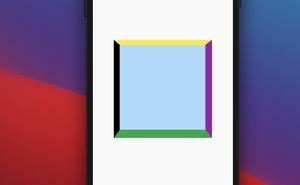
This article walks you through 3 examples of setting borders for a Container in Flutter. Example 1: Set a border for all sides This example creates a square yellow box enclosed by a red border. Preview: The......
In Flutter, you can use the ClipRRect widget to create rounded corners rectangle widgets, or even circular widgets. Let’s walk through the following examples to get a better understanding. Example 1: Rounded corners......
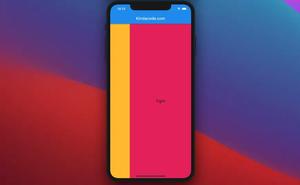
This article walks you through a few examples of using the Flexible widget in Flutter. Example 1: Sizing children relative to their parent’s size Screenshot: The code: Scaffold( appBar: AppBar(title: const......
In this article, we will go over a few examples of using the FittedBox widget in Flutter. Example 1: Prevent Text from being invisible with FittedBox The text’s font size is reduced to fit its parent. Screenshots In......
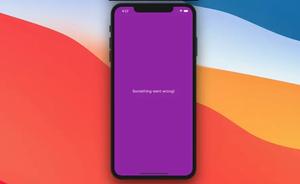
In Flutter, the ErrorWidget widget is used to render an error message when a build method falls. You can easily implement an ErrorWidget by adding ErrorWidget.builder to the main() function like this: void main() { ......