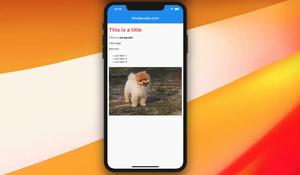
If you’re building a magazine/newspaper application (or something like that) with Flutter, you may want to render some HTML content (which usually is fetched from a remote server). This article shows you how to do so by using a......
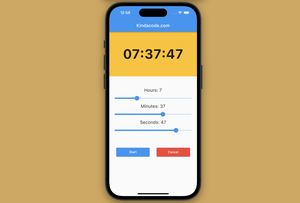
This practical, example-centric article shows you how to create a countdown timer app in Flutter. We’ll write code from scratch without using any third-party libraries. Overview About Countdown Timers A countdown timer......
This article walks you through a complete example of passing functions from a parent widget to a child widget in Flutter (the child widget can be stateless or stateful, and the passed functions can be called with parameters). The......
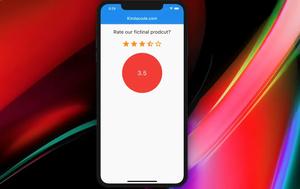
Most mobile applications and websites about e-commerce, ride-hailing, e-learning services, etc., have a function that allows users to rate products or services with the highest rating of 5 stars. or 10 stars. This tutorial shows you......
This article walks you through a complete example of using the AnimatedContainer widget in Flutter. A Quick Note The AnimatedContainer widget, as its name self describes, is used to make containers that automatically animate......
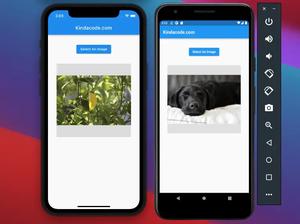
This article shows you how to implement an image picker in Flutter by using the image_picker plugin, which is officially developed and published by the Flutter team. Complete Example App Preview We’ll make a simple......
Problem When working with an old version of Flutter and using the @required annotation, you may fall into this error: Undefined name 'required' used as an annotation More information: Error: Getter not found: 'required'. ......
In order to convert a string representation of a list to an actual list in Flutter, just import dart:convert and call json.decode(). Sample code: import 'dart:convert'; // This function will convert a valid input to a list // In......
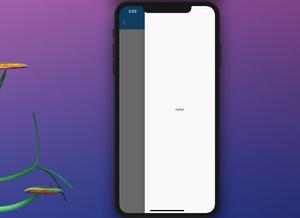
In order to create a right drawer navigation menu in your Flutter application, just add the endDrawer property to Scaffold, like this: endDrawer: Drawer( child: Container( /* */ ), ), Sample Code: import......
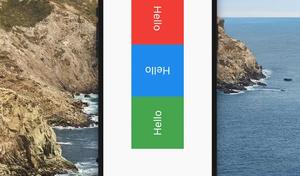
The RotatedBox widget is used to rotate its child by an integral number of quarter turns. Usage: RotatedBox( quarterTurns: // an integer, child: // child widget, ) Example This sample app makes use of the RotatedBox widget......
In Flutter, the Opacity widget is used to make its child partially or completely transparent. It can take a child widget and an opacity (a double) argument which determines the child’s alpha value. Example 1: Different levels of......
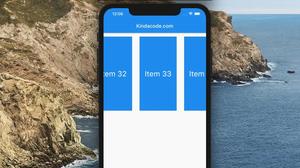
To make a horizontal ListView in Flutter, just set its scrollDirection property to Axis.horizontal, like this: ListView( scrollDirection: Axis.horizontal, children: [], ) Example 1 Preview: The code: //......