


To show all globally installed npm packages on your computer, just run the following command:
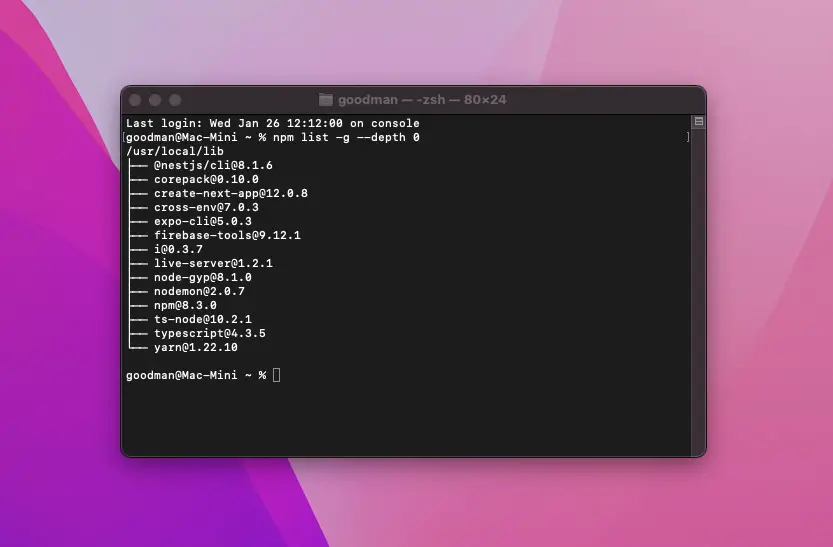
npm list -g --depth 0Here is my output:
/usr/local/lib
├── @nestjs/[email protected]
├── [email protected]
├── [email protected]
├── [email protected]
├── [email protected]
├── [email protected]
├── [email protected]
├── [email protected]
├── [email protected]
├── [email protected]
├── [email protected]
├── [email protected]
├── [email protected]
└── [email protected]
If you want to see all global packages and their dependencies, use this:
npm list -gThat’s it. Further reading:
- Node.js: How to Compress a File using Gzip format
- Node.js: The Maximum Size Allowed for Strings/Buffers
- 4 Ways to Read JSON Files in Node.js
- Node.js: Using __dirname and __filename with ES Modules
- Tweaking a Node.js Core Module
You can also check out our Node.js category page for the latest tutorials and examples.