KindaCode

VS Code

VS Code: 3 Ways to Change Color of Comments

Updated: Feb 08, 2023

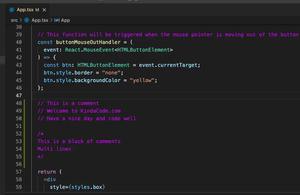
This article walks you through 3 different ways to change the color of comments in VS Code (Visual Studio Code). Without any further ado, let’s get our hands dirty. Using Built-In VS Code Settings 1. Go to the Settings......
VS Code: How to Use Custom Settings for a Project

Updated: Feb 08, 2023

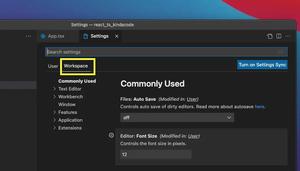
This article shows you how to use some specific settings for only a particular project in VS Code (Visual Studio Code). This will come in handy when you have a project that requires special settings but you don’t want to change the......

VS Code: How to Disable/Enable Suggestions on Hover

Updated: Feb 08, 2023

This short guide shows you how to turn OFF (and ON as needed) the suggestion popup that automatically shows up when you mouse over your code in Visual Studio Code. The Steps 1. Go to: Code > Preferences > Settings if......

How to Customize Vertical Rulers in VS Code

Updated: Feb 08, 2023

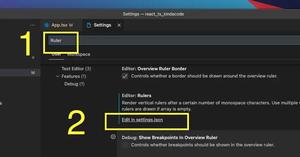
This guide shows you how to customize vertical rulers in VS Code (Visual Studio Code). Just follow a few simple steps listed below. 1. Go to: Code > Preferences > Settings if you are on a Mac (Shortcut keys: Command + ,) File >......

VS Code: Set Preferred Quote Type for Quick Fixes

Updated: Dec 17, 2022

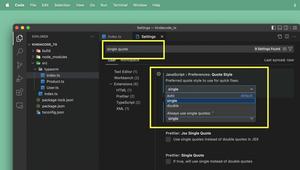
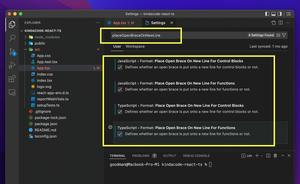
When working with Javascript and TypeScript, arbitrary use of single quotes and double quotes may not cause errors but will result in a lack of consistency and readability. Therefore, choosing and going with a certain quote type is a good......

How to show all installed extensions in VS Code

Updated: Sep 07, 2022

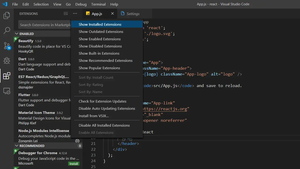
This short and straight-to-the-point article shows you how to show all installed extensions in the VS Code (Visual Studio Code). 1. Click on the Extensions icon or (hotkeys: Ctrl + Shift + X on Windows, Command + Shift + X on......

VS Code: Quickly Move Focus between Code File and Terminal

Updated: Jun 12, 2022

In VS Code (Visual Studio Code), you can quickly and conveniently jump between the code editor and the integrated terminal by using the following shortcuts: Mac:To focus the terminal: Ctrl + ` (the key near the ESC key)To focus the......

VS Code: Shortcuts for Jumping to the last Edit Location

Updated: Jun 12, 2022

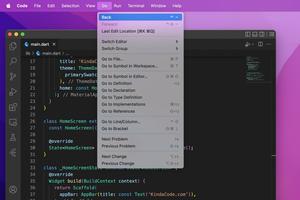
In VS Code (Visual Studio Code), you can quickly and conveniently move your mouse cursor to the last edit location by using the following shortcuts: Mac: Jump back: Ctrl + – (the minus key on your keyboard)Jump forward: Ctrl +......

VS Code: Hide/Show the Debug button in package.json

Updated: Jun 11, 2022

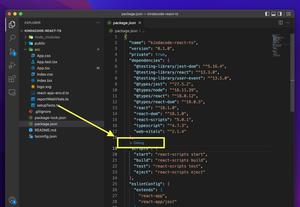
In the vast majority of modern Javascript/TypeScript projects (React, NodeJS, Vue, etc), there is a file called package.json. In this file, there is a scripts section. If you’re using VS Code (Visual Studio Code), you will see a......

2 ways to check your VS Code version

Updated: Jan 28, 2022

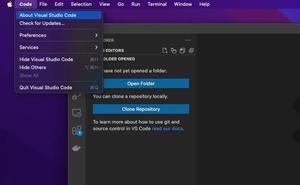
This short article shows you 2 different ways to see your VS Code (Visual Studio Code) version. The first approach is to use your mouse via the VS Code graphics user interface (GUI) and the second one is to use the command line. Using......

VS Code: How to Hide/Show the Mini Map

Updated: Aug 25, 2021

In VS Code (Visual Studio Code), the minimap is displayed on the right side by default but you are totally free to disable or enable it according to your wish. The steps below will show you how to do this. 1. Navigate to the......

Page 3 of 3