This succinct article is for people working with TypeORM who want to select records containing Null values. We’ll examine two examples. The first one uses the find() method, and the second uses Query Builder. Here’s......
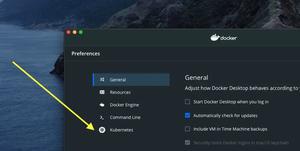
This article shows you how to enable Kubernetes in your Docker Desktop for local development and testing. 1. Click on the gear icon located in the top right corner: 2. Select Kubernetes from the left-hand pane: 3. Check......
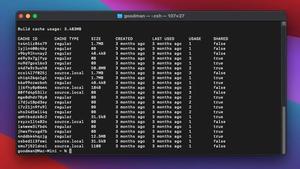
This concise article shows you how to remove unused containers and images from your computer to gain free disk space. First, check images space usage, containers space usage, local volumes usage, and build cache usage by performing......
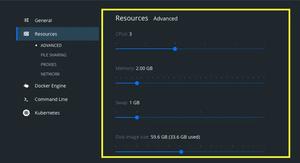
This concise article shows you how to limit the resources (CPU, Memory…) consumed by Docker Desktop. Click the gear icon Go to your Docker Desktop dashboard then click on the gear icon to navigate to the Settings page. Click......
Sometimes you may need two different Dockerfile for just a container, one for the development purpose and the other for the production environment. To build an image with the Dockerfile that isn’t named Dockerfile, just add......
This short article lists the most important commands you need to know for managing the lifecycle of a Docker container. Starting a Docker container This command is used to start a new container from a single image: docker run......
You can retag a Docker image referenced by name and tag as follows: docker tag old-tag new-tag Example: docker tag webserver:old kindacode/webserver:new You can also tag/retag an image with its ID: docker tag......
You can do everything you want with a Docker container just by using its ID. That being said, giving a container a meaningful and human-friendly name will make your day more joyful and convenient. Naming To name a Docker container,......
In order to view running Docker containers on your machine, you can use the following command: docker container ls You will see something like this: To list both running and stopped containers, you can add -a flag: docker......
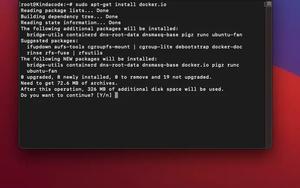
This short and straight-to-the-point article shows you how to install Docker on Ubuntu 21.04 and 21.10 (it also works fine on Ubuntu 20.04 LTS). Without any further ado, let’s see the steps to get the job done. 1. Log into your......