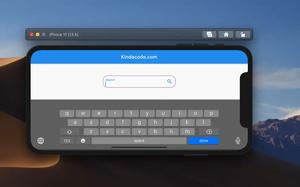
The following examples show you how to create search fields with magnifying glass icons inside in Flutter. Example 1 (Simple) The code: Center( child: TextFormField( decoration: const InputDecoration( ......
At this time, the ListView widget in Flutter doesn’t come with an out-of-the-box option that lets us create a header section. However, we can make a beautiful header within a few lines of code. Strategies There are several......
After downloading Flutter, you need to update your path in order to run flutter commands via the terminal. In macOS 10.15 or beyond (Catalina, Big Sur, Monterey), you need to edit the .zshrc file instead of the .bashrc or .bash_profile......
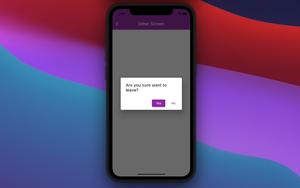
When developing Flutter apps, there might be cases where we want to display a confirmation dialog when a user presses the back button. The purpose is to prevent accidentally leaving a screen (page), especially a screen with unsaved......
This article shows you how to change the display name of a Flutter app on Android and iOS. Choose a Good Name You should choose a display name that is meaningful and concise. If you choose a long name, there is a high chance that it......
In Flutter, the appBar title on Android is on the left side by default. You can center it by setting the centerTItle property to true, like this: centerTitle: true, Example: // main.dart import......
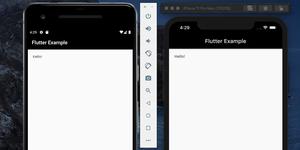
You can run your Flutter project on an Android emulator and an iOS simulator at the same time by running this: flutter run -d all Note that you must start your Android emulator and iOS simulator before executing the command......
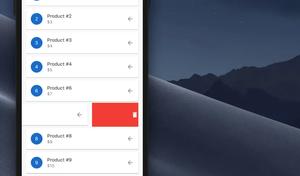
In this tutorial, we’ll build a small Flutter project that contains a ListView to show some fiction products. When the user swipes an item from the list, they can remove it. Overview Which widgets we will use? Dismissible......
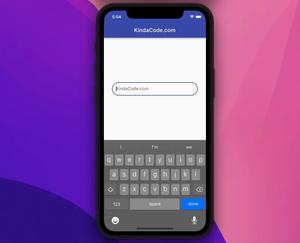
This practical article walks you through a couple of examples that demonstrate how to make rounded-corners text fields in Flutter. Using OutlineInputBorder borderRadius You can create a rounded TextField by setting the borderRadius......
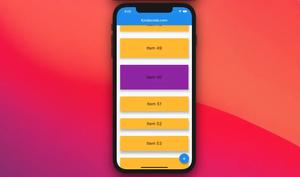
This article shows you some different ways to programmatically scroll to a desired item in a ListView in Flutter, for instance, scrolling to the item with the index of N when the user presses a floating button. Each approach mentioned in......
This article shows you how to get rid of the ugly (just my personal thought) debug banner that locates in the top right corners of iOS/Android emulators when you running a Flutter app in the development environment. The solution is......
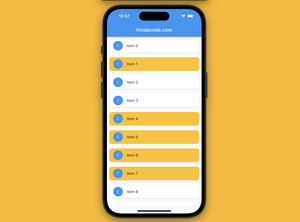
Introduction When working with a ListView in Flutter that not only displays the list items but also allows the user to select one or more items from the list, it would be helpful if we render the selected items differently from the......